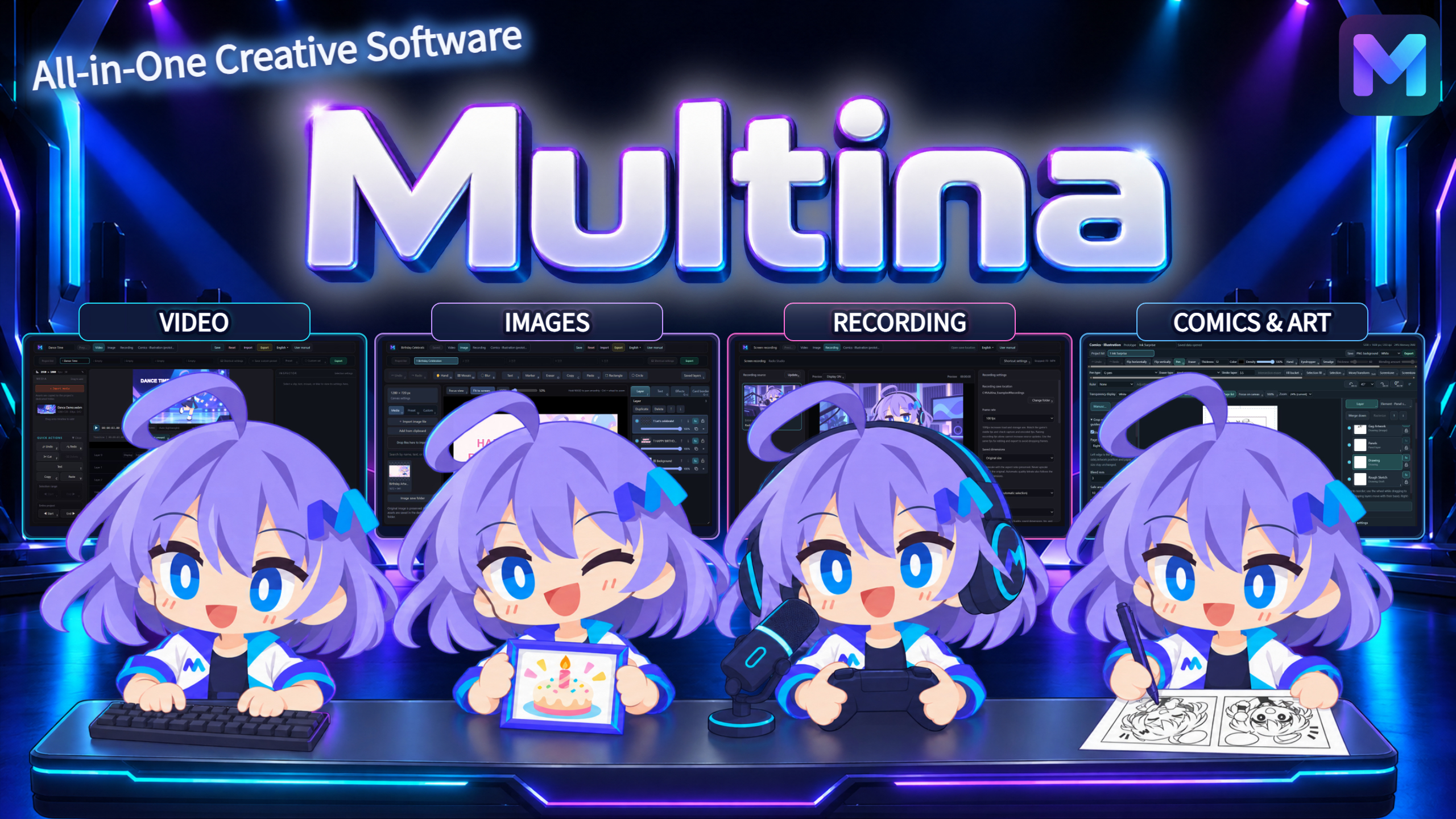
Multina — All-in-One Creative Software
A downloadable tool for Windows
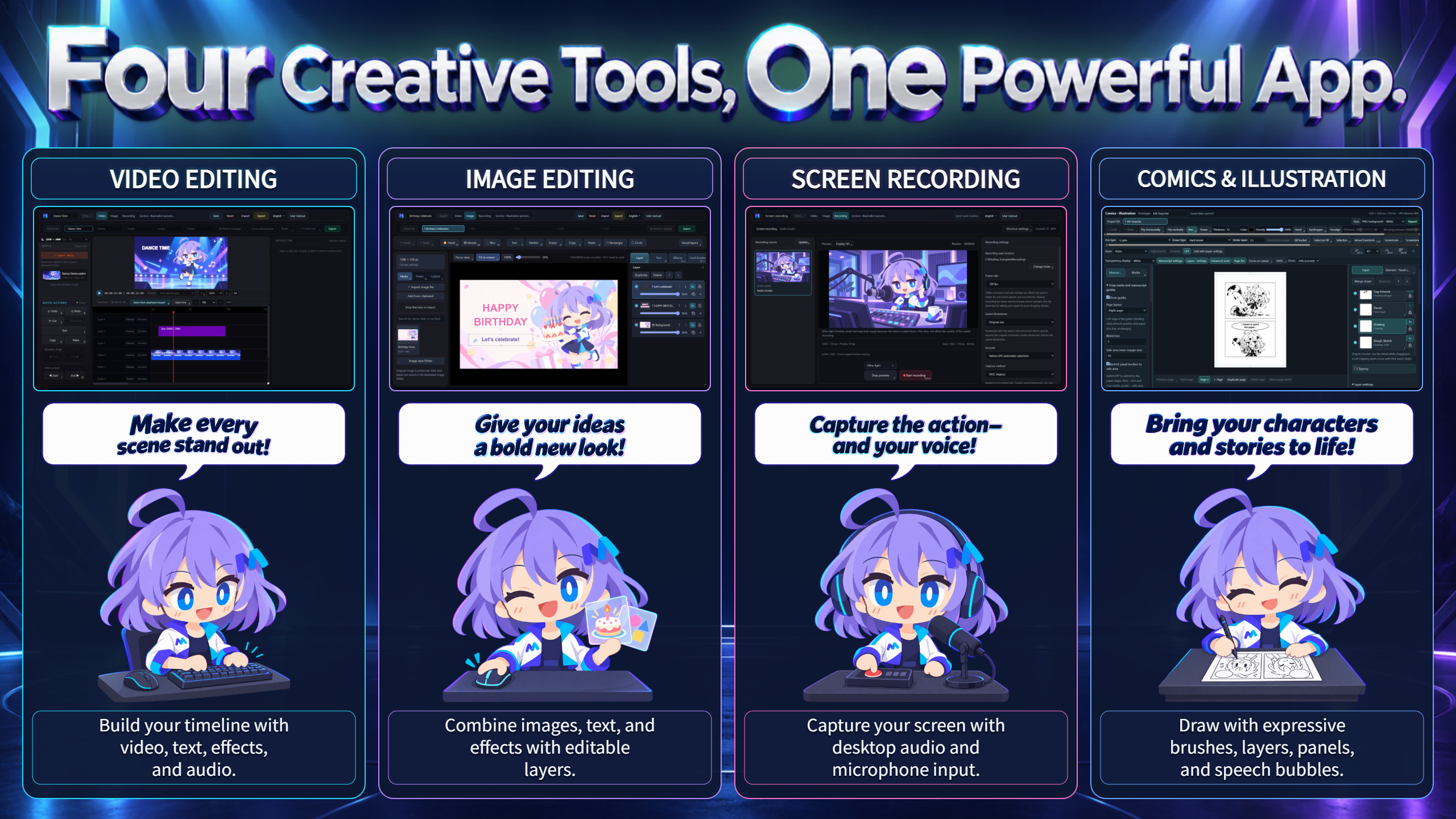
Four Creative Tools. One Powerful App.
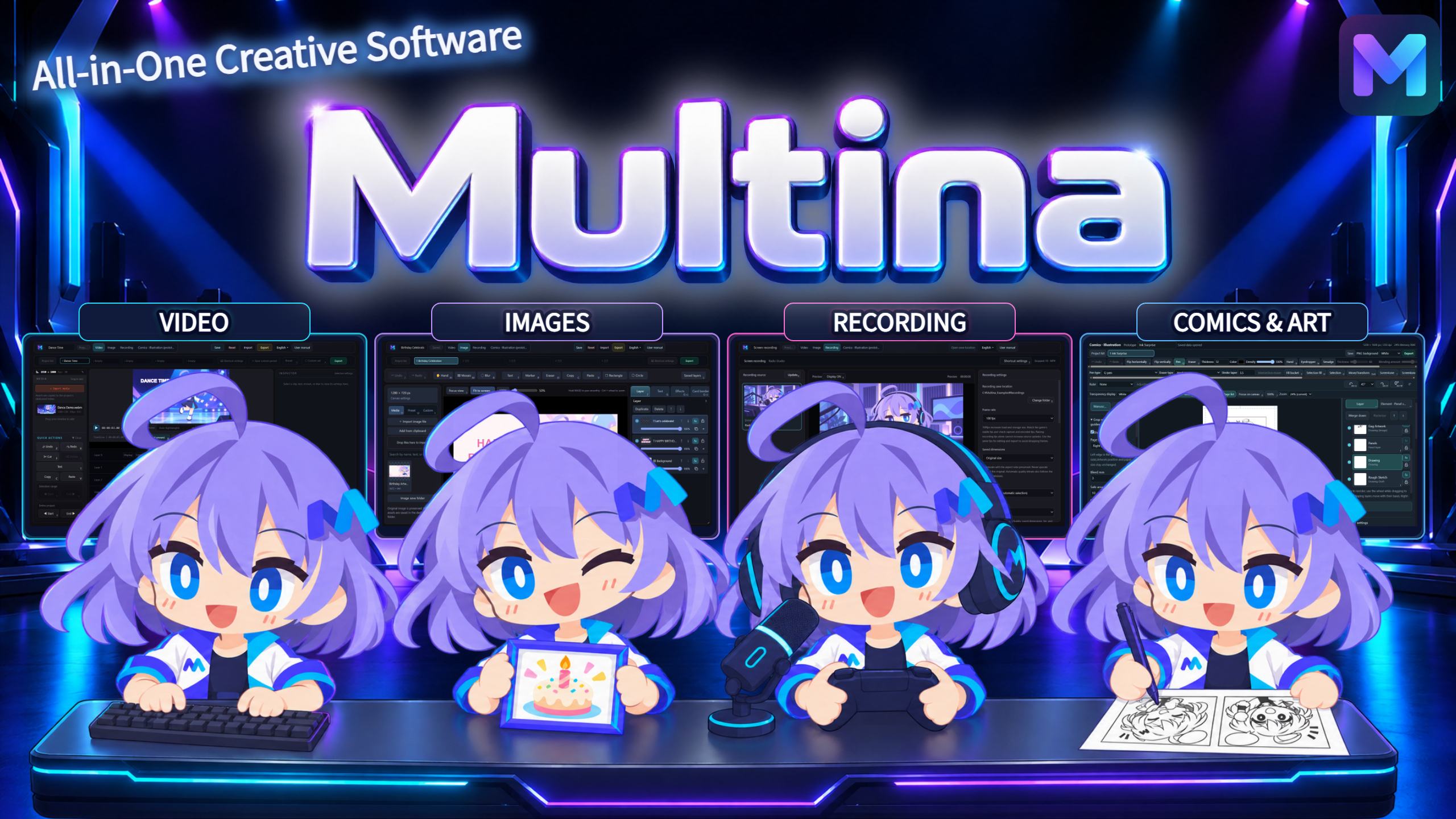
Video editing. Image editing. Screen recording. Comics and illustration.
Multina brings four creative tools together in one free Windows app. Edit a video, design its thumbnail, record your screen, or draw your next comic—all in the same application.
Create Your Way
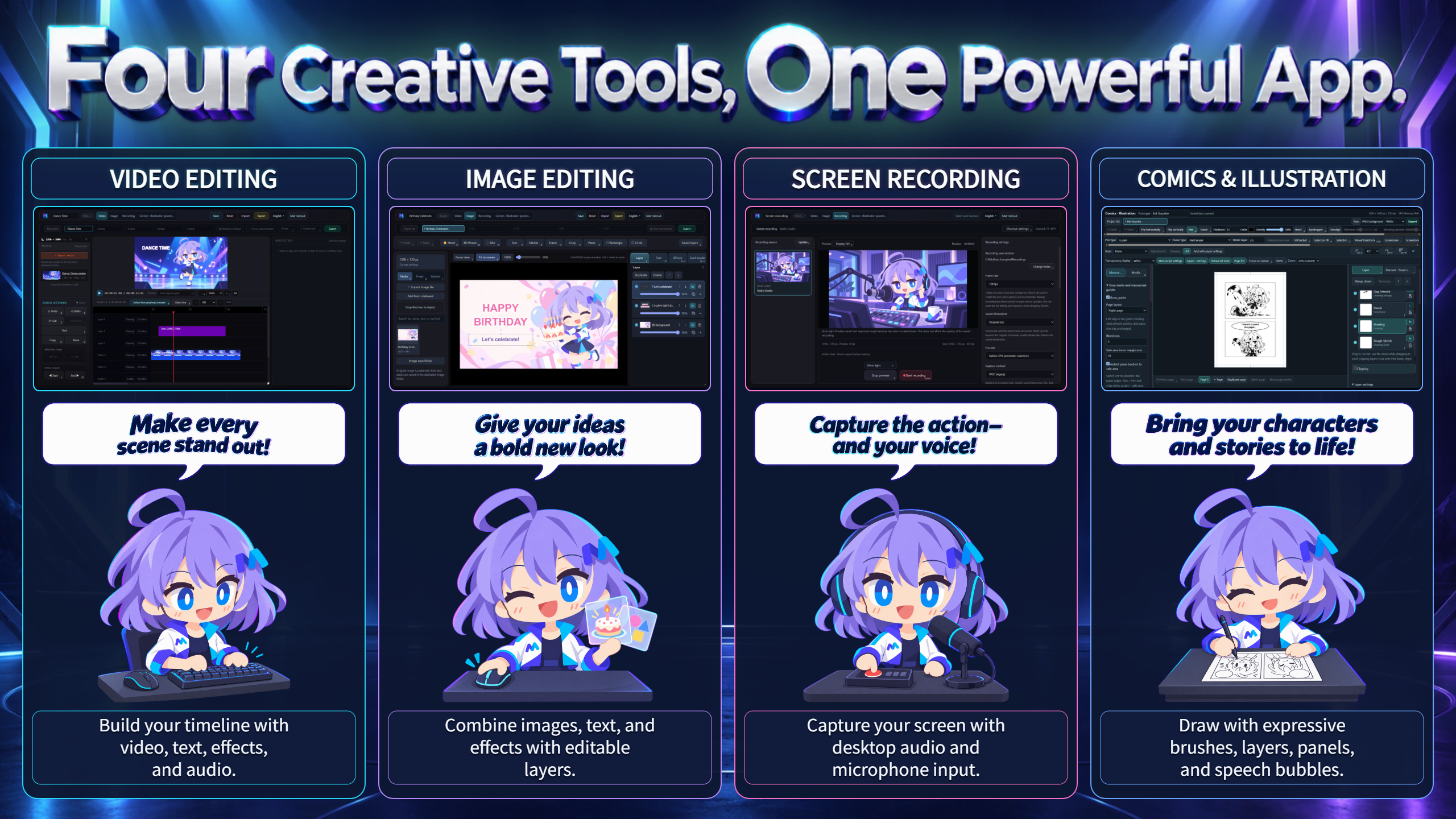
Video Editing — Cut. Layer. Animate.
Build your timeline with video, images, text, music, and sound effects. Combine clips, add effects, and animate your composition with keyframes.
- Create landscape or portrait videos with adjustable resolution and frame rate.
- Use chroma key to remove a selected background color and combine footage or images.
- Layer content for facecam overlays, titles, and other compositions.
- Add mosaic effects and animate their position with keyframes.
Image Editing — Give Your Ideas a New Look.
Create thumbnails, promotional graphics, and other designs using editable layers. Combine images, text, and effects, then fine-tune their placement and appearance.
- Choose a canvas size to suit your project.
- Arrange images and text on separate layers.
- Use chroma key to make a selected color transparent and replace backgrounds.
Screen Recording — Capture Your Screen and Your Voice.
Record your screen with desktop audio and microphone input. Create gameplay recordings, tutorials, demonstrations, and more.
- Select your recording source and frame rate.
- Configure desktop audio and microphone input.
- Bring your recordings into the video editor for further editing.
Comics & Illustration — Enjoy Drawing.
Draw with expressive brushes and editable layers. Build comic pages using panels, speech bubbles, rulers, and dramatic focus lines.
- Use brushes for linework, sketching, and painting.
- Organize your artwork by page and layer.
- Use perspective, symmetry, and other rulers to support your drawing.
- Export your artwork or save editable comic project data.
The comics and illustration tool is a prototype.
Small Shortcuts. Big Creative Possibilities.
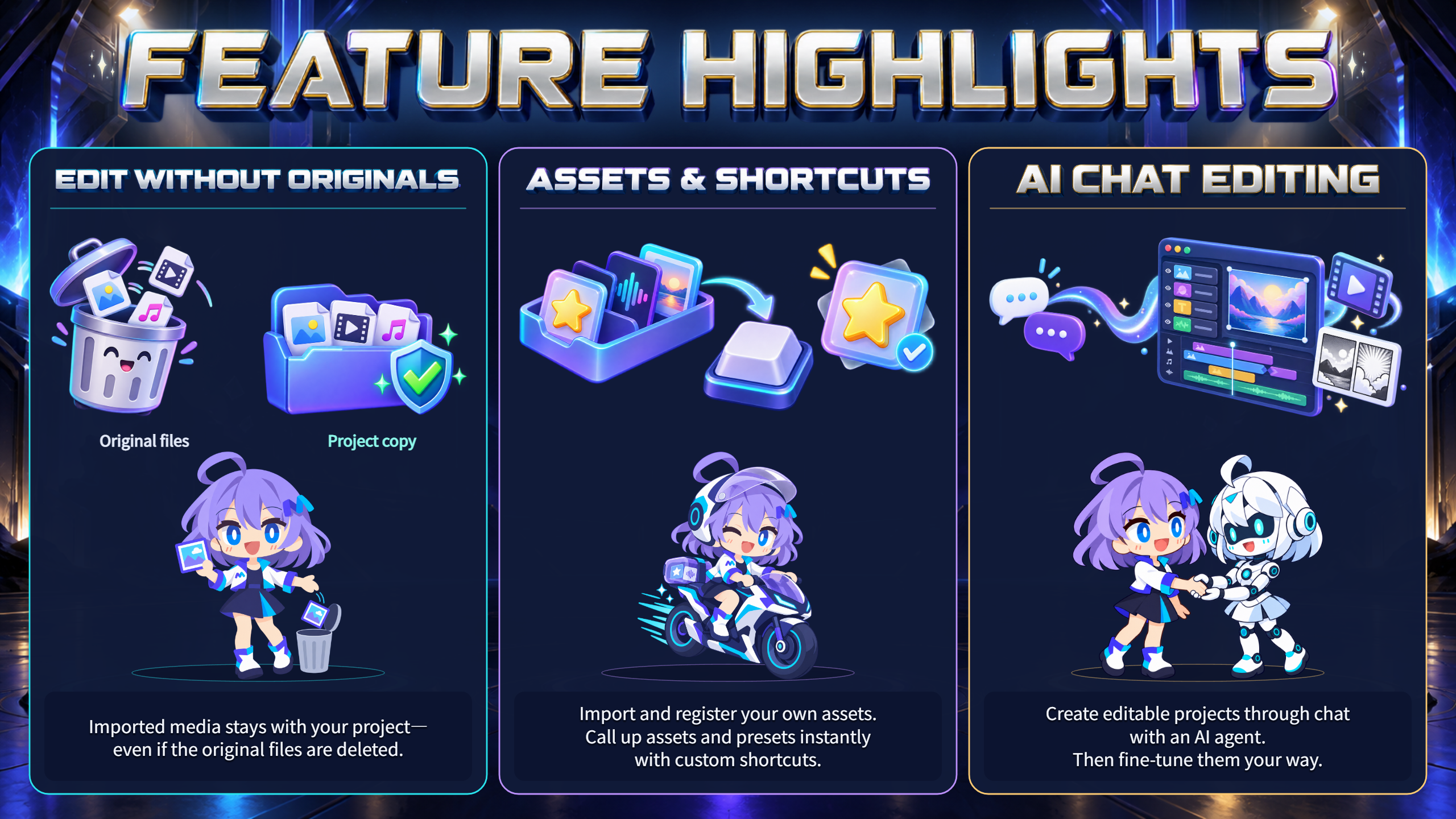
Keep Editing—even Without the Original Files.
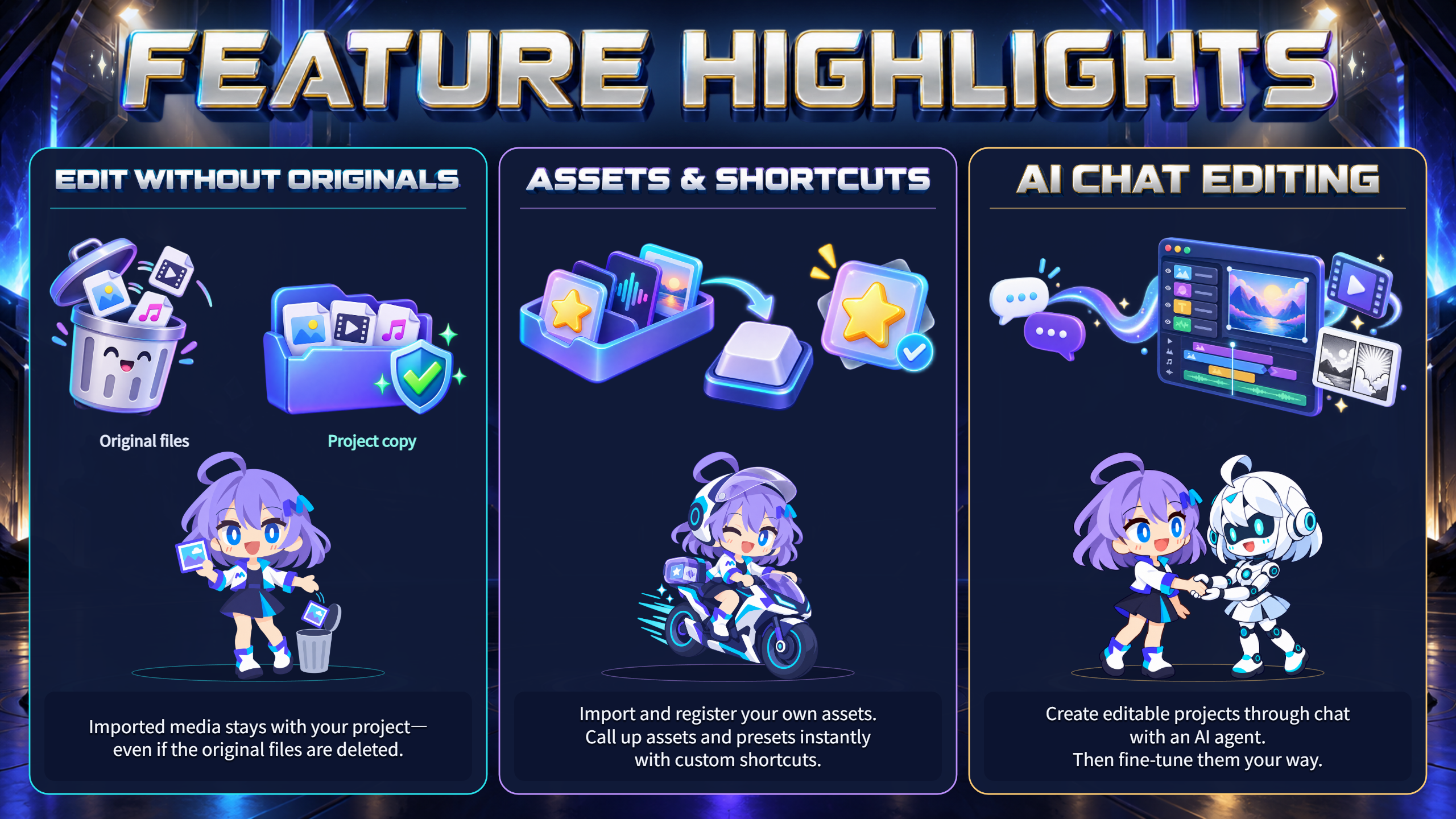
Multina copies imported media into its own storage. Once the import is complete, you can continue editing even if the original files are moved or deleted.
Keep Multina's stored media and project data. This feature does not replace a backup.
Your Assets. Your Shortcuts.
Import and register your own assets and save reusable presets. Assign custom keyboard shortcuts to bring them up instantly—ideal for frequently used sound effects, graphics, and creative settings.
View and edit shortcut assignments in the shortcut settings. Each creative tool has its own shortcut configuration.
Turn a Conversation into an Editable Project.
Connect a compatible AI agent to create and edit videos, images, and comics through chat. Content can be placed on the timeline or canvas, where you can continue editing it yourself.
Describe your idea, review the result, and ask for changes. AI-assisted creation is part of an editable workflow, not just a finished image or video.
About the trailer: After the background music was placed on the timeline, the showcase was created through chat-based collaboration with Codex.
AI integration requires a compatible external AI agent and setup. AI services are not included with Multina and may have their own fees.
Get Started
- Download and extract the ZIP archive.
- Run 2_Install_Multina.exe and follow the installer.
- Launch Multina using its desktop shortcut.
- Choose a creative tool and start a project.
Open 1_Multina_Manual.html for the illustrated manual, or use the manual button inside the app. The manual also explains shortcuts, right-click menus, custom assets, and AI integration.
The installer is unsigned, so Windows may display a security warning. Verify that your download came from the official eye-factory page and consult the installation instructions in the included manual.
Recommended Setup
- OS: Windows 11, 64-bit (x64)
- CPU: 4 cores or more
- Memory: 16 GB or more
- Graphics: DirectX 11-compatible GPU
- Storage: SSD with at least 5 GB of free space recommended
These are recommended guidelines, not guaranteed minimum requirements. Performance depends on your project. Additional space is needed for imported media, recordings, and exports.
Windows only. Multina does not currently provide macOS or Linux builds.
Free to Download. Ready to Explore.
Multina includes a wide range of creative features. Explore the tools and illustrated manual to find a workflow that fits the way you create.
Please read the included terms and license information before modifying or redistributing the software. Third-party components remain subject to their respective licenses.
Created by eye-factory
Developer: eye-factory
Creator: 深夜徘徊 / SINNYA HAIKAI
Download
Click download now to get access to the following files: